
How to Add a Fast Preloader in Shopify Without Slowing Down Your Store
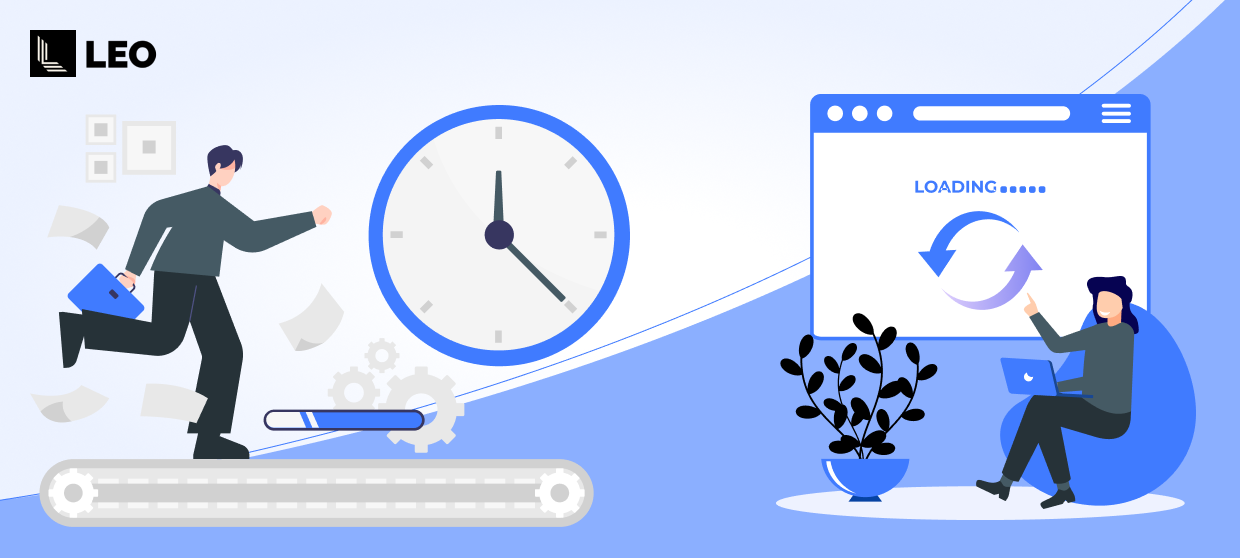
When a Shopify store takes even a second longer to load, visitors notice. They may see a blank screen, think something is broken, and leave before your page even appears. This is where a Shopify preloader can help, if it's implemented correctly.
A well-optimized loading animation improves perceived speed, reduces bounce rates, and creates a more polished experience. But a poorly built one can do the opposite and hurt your Core Web Vitals.
In this guide, you'll learn how to add a fast preloader in Shopify that enhances user experience without slowing down your store, along with step-by-step instructions and best practices.
Watch: LEO Preloader App Setup Guide (Step-by-Step)
Prefer a visual walkthrough? Watch this quick video to learn how to install, configure, and activate LEO Preloader & Transitions to add a fast, lightweight loading screen to your Shopify store.
What is a Shopify Preloader?
A Shopify preloader is a loading screen or animation that appears while a page is loading. Instead of showing a white flash or blank screen, customers see a branded animation, logo, or transition.
Common types of Shopify loading animations:
- Logo spinner
- Progress bar
- Skeleton screen
- Animated GIF or SVG
- Smooth page transitions
The goal is simple: keep users engaged while content loads.
Why Your Store Needs a Fast Loading Screen
Even fast stores experience brief loading moments due to:
- Heavy product images
- Third-party apps
- Large themes
- Network delays
A lightweight loading screen helps you:
- Improve perceived speed: Users feel the site is faster even if load time is unchanged.
- Reduce bounce rate: Visitors stay instead of leaving during white screen flashes.
- Strengthen branding: Custom logo animations create a premium experience.
- Increase conversions: Better UX = higher engagement and sales.
Step-by-Step: Add a Fast Preloader Using LEO Preloader & Transitions
For a complete setup guide, check out our detailed tutorial on how to install and configure LEO Preloader & Transitions to add a fast, no-code loading screen to your Shopify store.
The Risk: How Preloaders Can Hurt Performance
Many Shopify store owners make this mistake: they add heavy animations that actually slow down the site.
Poor preloaders:
- Add extra JavaScript
- Cause layout shift (CLS issues)
- Block page rendering
- Hurt Core Web Vitals
- Increase actual load time
That's why performance optimization is critical.
Best Practices for a Performance-Friendly Shopify Preloader
Follow these guidelines to improve Shopify store speed while using a loading screen:
1. Keep It Lightweight
- Use SVG or simple CSS animations
- Avoid large GIF files
2. Prevent Layout Shift
Your loader should not move content when the page loads. This protects your CLS score.
3. Set Smart Timing
- Show the loader only when needed
- Hide immediately once the content is ready
4. Avoid Blocking Rendering
The preloader should not delay the actual page load.
5. Use Theme-Safe Installation
Avoid manual code edits that may break your theme during updates.
Real Use Cases & Examples
See how Shopify stores use fast preloaders to improve user experience, reduce bounce rates, and create a smoother, more professional browsing experience.
Fashion Store
Problem: White screen when switching collections
Solution: Smooth page transitions with logo animation
Result: Better browsing experience and longer session time
Electronics Store
Problem: Heavy product images are causing a delay
Solution: Lightweight loading screen with lazy loading
Result: Reduced bounce rate
Premium Brand
Problem: The store felt "basic."
Solution: Custom-branded preloader
Result: More professional feel and improved brand perception
How Preloaders Impact Core Web Vitals
Adding a Shopify loading screen can enhance user experience. Still, it must be implemented carefully to avoid harming your Core Web Vitals, which directly affect SEO rankings and overall site performance. A poorly optimized preloader can block rendering, delay content visibility, and create layout shifts, while a well-built one can maintain performance and improve perceived speed.
| Metric | Impact |
|---|---|
| LCP (Largest Contentful Paint) | No negative impact if loader is lightweight |
| CLS (Cumulative Layout Shift) | Must be zero layout shift |
| INP | Should not block interactions |
The Leo Preloader is designed to maintain performance by:
- Using lightweight assets
- Avoiding render blocking
- Preventing layout movement
Final Thoughts
A Shopify preloader should enhance the shopping experience, not slow it down. When designed with performance in mind, a lightweight loading screen can eliminate white flashes, improve perceived speed, strengthen your brand presence, and keep visitors engaged during critical loading moments. The key is to use minimal assets, avoid layout shifts, and ensure the loader disappears as soon as the content is ready. With a performance-focused solution like LEO Preloader Transitions Shopify app, Shopify merchants can add smooth, professional loading animations through a no-code, theme-safe setup, helping improve user experience while protecting Core Web Vitals and overall store speed.
Frequently Asked Together
1. Do preloaders actually improve Shopify speed?
Preloaders don't reduce your real page load time, but they make the experience feel faster by giving users visual feedback that the page is loading. This helps reduce bounce rates and improve user experience. For actual speed improvements, you still need image optimization, app cleanup, and performance optimization.
2. Can a loading animation hurt my Core Web Vitals?
Large GIF files, render-blocking scripts, or preloaders that cause layout shifts can negatively affect LCP and CLS. Using a lightweight, performance-optimized solution like LEO Preloader & Transitions ensures the loader doesn't block rendering or move content, helping protect your Core Web Vitals.
3. Do I need coding knowledge to add a Shopify preloader?
No, apps like LEO Preloader & Transitions use Shopify theme extensions, allowing you to add and manage preloaders without editing code. Installation and setup can be completed in just a few clicks.
4. Can I use my brand logo or custom animation?
Yes, you can upload your own logo, GIF, SVG, or custom animation to match your brand identity. This helps create a more professional and consistent user experience across your store.
